Conversations
•Conversations Overview
Everything about conversations in WhatsApp API and WhataTalk is compiled in this document
What is a Conversation?
In the context of WhataTalk and the WhatsApp Business API, a conversation is a thread of messages exchanged between your business and a customer. Before Feb 2026, WhatsApp used to charge based on conversation.
A conversation is initiated when a customer sends a message and the business replies. This starts a 24-hour " service window." During this window, you can exchange an unlimited number of messages (text, media, interactive) for free.
The 24-Hour Service Window
The 24-hour service window is a critical concept defined by Meta to prevent businesses from spamming users.
- Opening the Window: The window opens as soon as a business sends an approved template message, or when a user initiates a conversation by sending a message to the business.
- During the Window: Within this 24-hour period, businesses can send "free-form" messages. These include plain text, media attachments, and interactive messages. They do not need to be pre-approved templates.
- Closing the Window: Exactly 24 hours after the last message sent by the customer, the service window closes.
- Outside the Window: Once the window is closed, a business can only initiate contact by sending a pre-approved Meta Template message (e.g., an order update, appointment reminder, or marketing message). Free-form messages will fail to deliver outside the 24-hour window.
Example Scenario:
- Customer sends a message at 10:00 AM on Monday.
- The 24-hour service window opens.
- The business can reply freely until 10:00 AM on Tuesday.
- If the customer sends another message at 5:00 PM on Monday, the 24-hour timer resets, extending the window until 5:00 PM on Tuesday.
- If no further messages are received from the customer, the window closes at 5:00 PM on Tuesday. Any message sent by the business at 5:01 PM must be an approved template.
Active vs. Archived Conversations
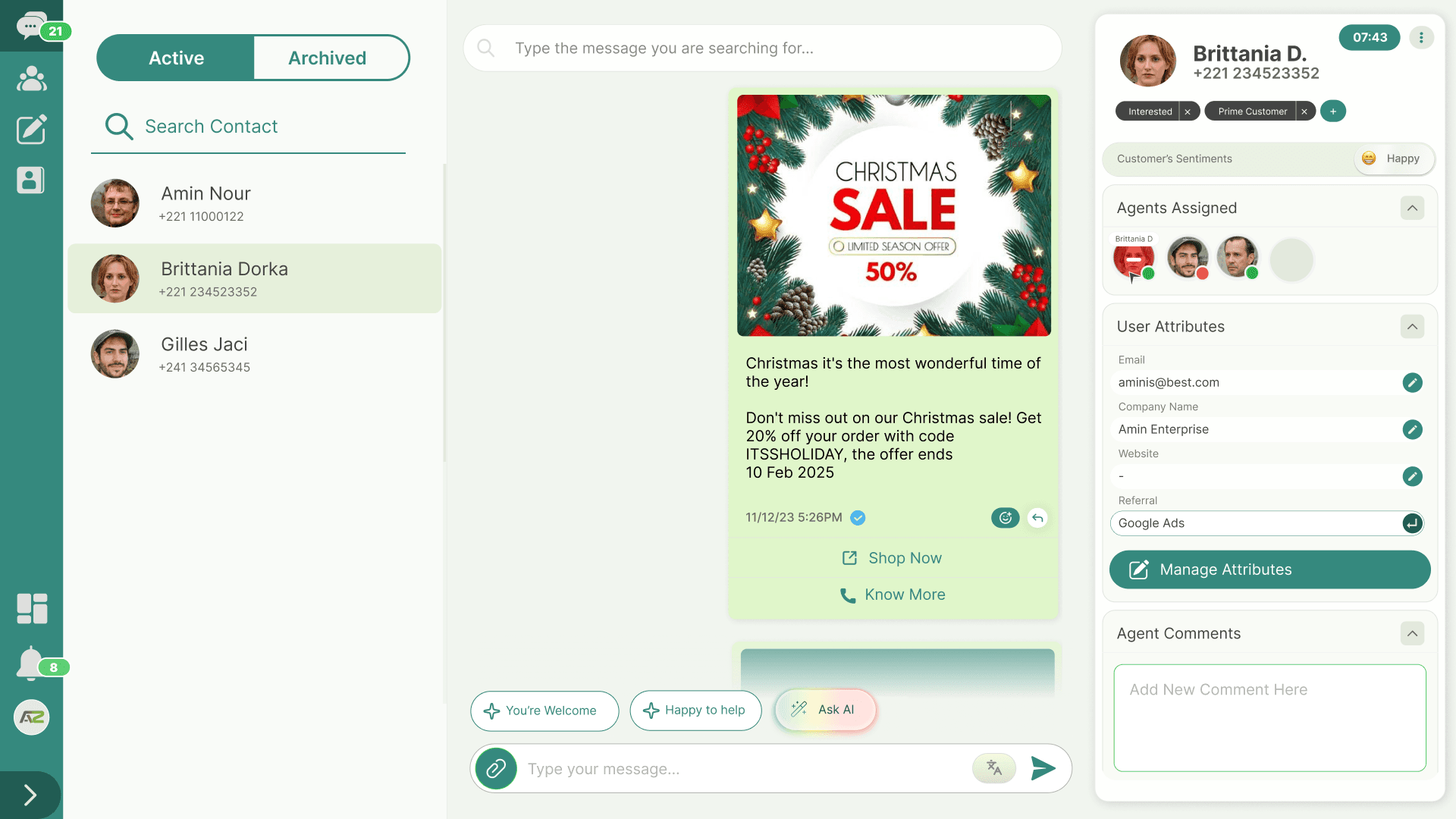
WhataTalk helps you manage your inbox by categorizing conversations into two states: Active and Archived.
Active Conversations
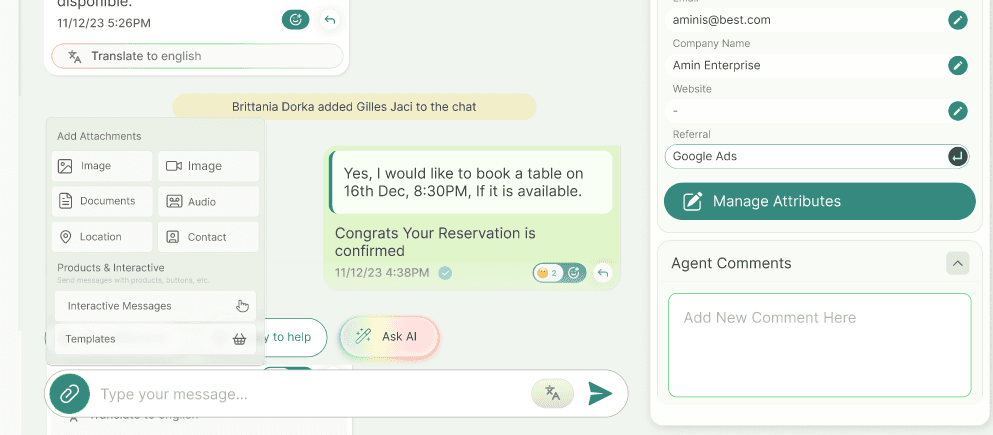
- Definition: These are ongoing, open conversations that require attention. They fall within the 24-hour service window or are recent interactions.
- Purpose: The Active tab is your primary workspace. It's designed to help you quickly identify and respond to customers who are currently engaging with your business.
- Behavior: When a customer sends a new message, their conversation is automatically placed in the Active tab, even if it was previously archived. User can send free flowing messages to the active chat including text, media, and other interactive messages including buttons,
Archived Conversations
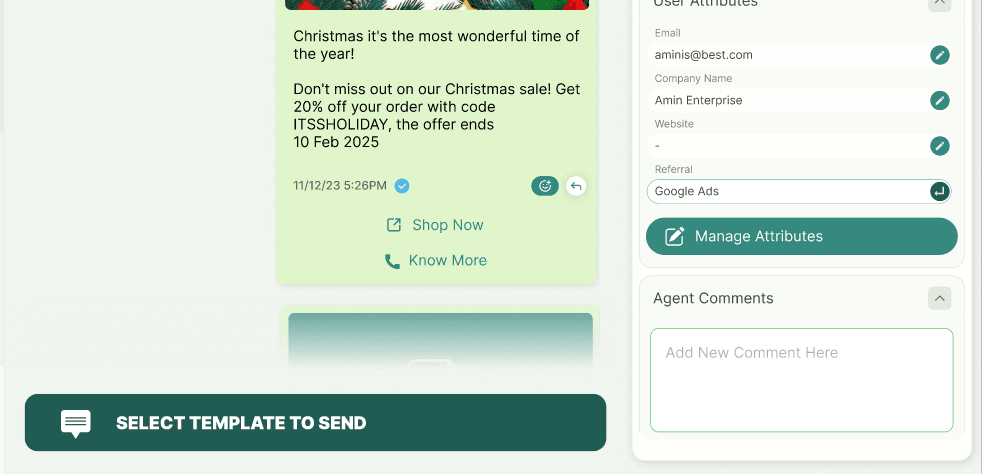
- Definition: These are closed or completed conversations that no longer require immediate action.
- Purpose: Archiving helps declutter your inbox, allowing agents to focus solely on active queries. It acts as a history log without permanently deleting the chat.
- Behavior: As soon as the 24 hrs. service window expires the active conversation will be moved to archived automatically. If a customer replies to an archived conversation, it is immediately moved back to the Active tab, so you don't miss it.
- Access: Archived conversations remain searchable and readable at any time. Business can only send templates to the archived conversations