
Conversations
•Contact Details Sidebar
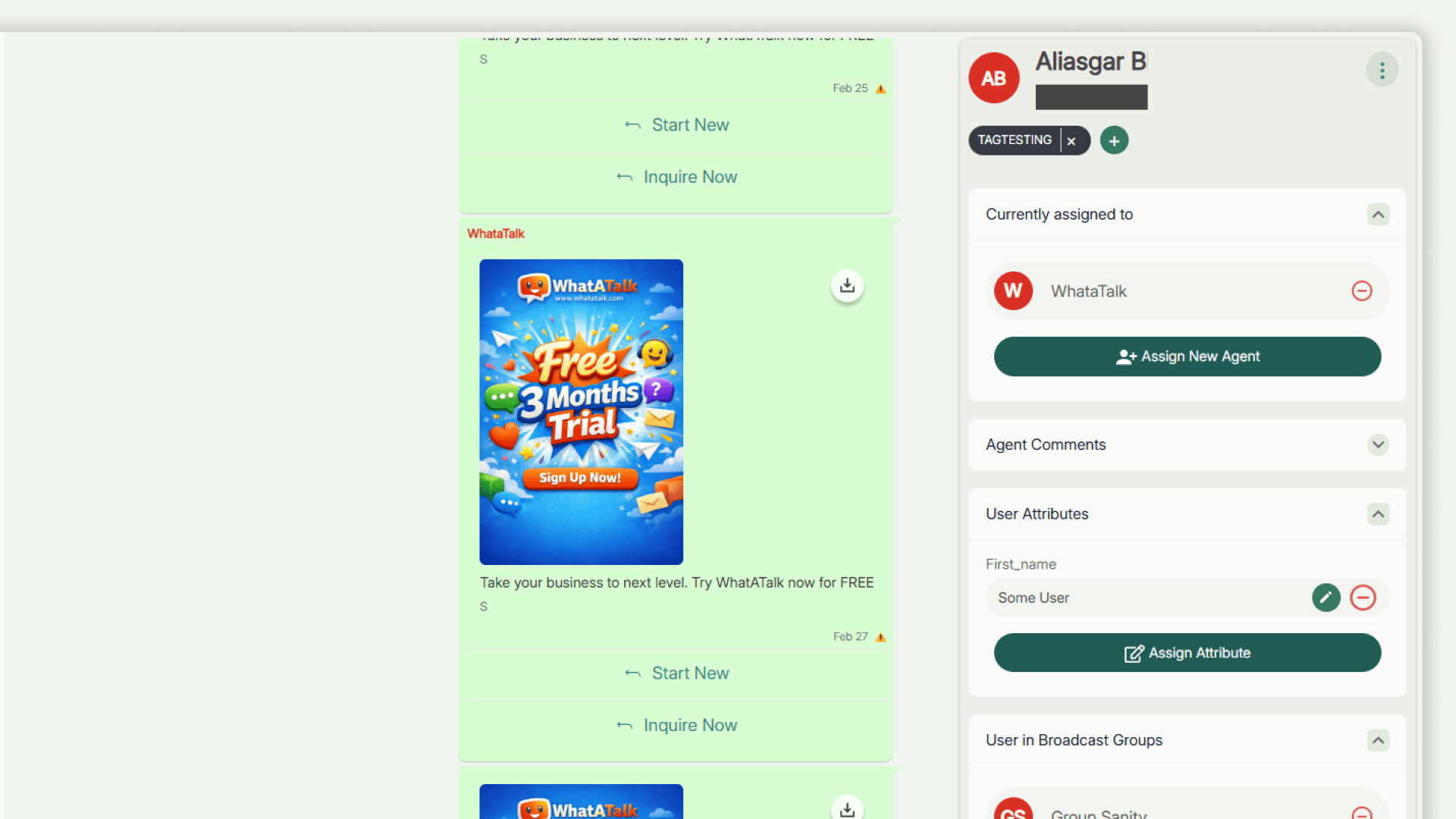
The Contact Details panel provides context about the customer while you chat. It appears on the right side of the messaging interface.
Accessing Contact Details
- Open any conversation in the Conversations page (
/conversations). - The contact details sidebar will automatically load on the right.
Information Displayed
- Name & Phone Number: The name and mobile number of the contact as saved in Contact List.
- Tags: Any assigned tags (e.g., "VIP").
- Agent in Chat: List of agents that are assigned to the chat
- User Attributes: Custom attributes (e.g., "City: London").
- Broadcast Groups: Broadcast Groups
- Comments: Add internal notes for your team (if available).
Actions Available
- Assign Agent: Assign the conversation to a specific agent (if enabled).
- Add Comments: Add comment in the chat visible to other agent in the chat
- Assign/Unassign Attributes: Assign attributes